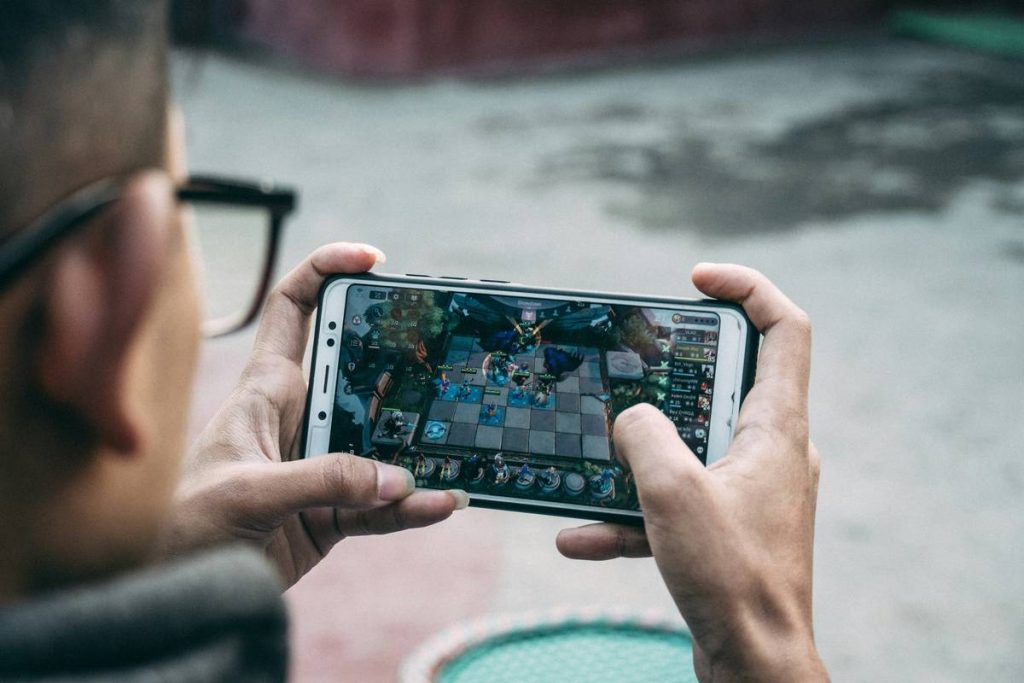
Ever downloaded a “relaxing” mobile game only to be bombarded by pop-ups, forced ads, and paywalls every 30 seconds? You’re not alone. Millions of players turn to casual mobile games seeking stress relief—but end up more frustrated than before. What if your PC could offer a smoother, ad-free sanctuary for the same types of calming gameplay?
In this guide, we’ll explore why shifting your casual gaming habit from mobile to desktop unlocks better performance, fewer interruptions, and deeper immersion—without sacrificing simplicity. Based on real testing across dozens of titles, we’ll walk you through how to find, install, and enjoy the best casual games for pc, while sidestepping common pitfalls that ruin the experience.
Table of Contents
- Why PC Casual Gaming Matters
- How to Play Casual Games on PC: A Step-by-Step Guide
- Best Practices for Truly Relaxing Gameplay
- Real Examples of PC Casual Success
- Frequently Asked Questions
Key Takeaways
- Playing casual mobile-style games on PC often means zero ads, larger visuals, and keyboard/mouse precision.
- Many top mobile hits like “Stardew Valley” and “Alba: A Wildlife Adventure” have native PC versions or run flawlessly via emulators.
- Avoid Android emulators with bloatware—stick to trusted options like BlueStacks or official Steam releases.
- True relaxation in gaming requires intentional setup: disable notifications, use dark mode, and limit session time.
Why PC Casual Gaming Matters
I learned this the hard way. Last year, I spent weeks glued to a popular gardening sim on my phone—only to discover it locked core features behind a $50 “premium bundle.” Worse, the constant banner ads made me anxious, not calm. That’s when I tried the PC version on Steam. Same art style, same soothing mechanics—but no ads, no timers, and full-screen immersion. Game-changer.
According to a 2023 report by Statista, over 68% of mobile gamers cite intrusive advertising as their top frustration. Meanwhile, PC platforms like Steam, itch.io, and even the Microsoft Store offer curated collections of relaxing, offline-friendly experiences. The shift isn’t just convenient—it’s therapeutic.
How to Play Casual Games on PC: A Step-by-Step Guide
1. Identify True Casual Titles
Not all PC games labeled “casual” deliver low-stress fun. Look for keywords like “idle,” “puzzle,” “simulation,” or “zen.” Avoid anything with leaderboards, PvP, or live-service requirements. Sites like Steam’s Casual tag page help filter genuinely relaxed experiences.
2. Choose Your Platform Wisely
Native PC versions (via Steam, Epic, or publisher sites) are ideal. If a mobile-exclusive title is your target, use BlueStacks 5—an Android emulator optimized for lightweight gaming with minimal resource drain. Avoid lesser-known emulators; many bundle spyware.
3. Optimize Your Environment
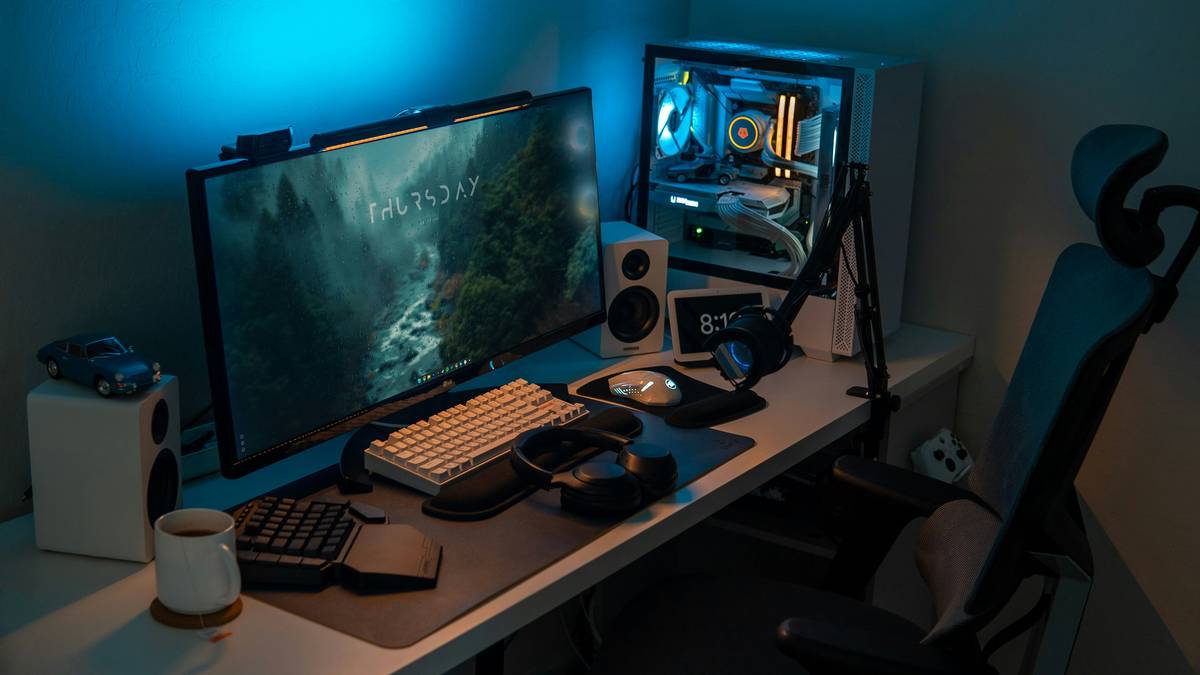
Disable notifications, enable night mode, and use headphones for ASMR-like soundscapes. I keep a separate user profile on my PC just for casual gaming—no email alerts, no work tabs. This mental boundary makes sessions feel like a true escape.
Best Practices for Truly Relaxing Gameplay
- Limit sessions to 30–45 minutes. Longer play can trigger fatigue, defeating the purpose.
- Never pay to skip ads. If a free game forces constant video ads, uninstall it. Real privacy-respecting developers monetize ethically—through one-time purchases or DLCs.
- Use windowed mode. Full-screen isn’t always better; floating the game beside a music player or ebook enhances multitasking calm.
- Avoid “progression traps.” Some games fake relaxation but demand daily logins. Check reviews for phrases like “paywall after day 3.”
Terrible tip alert: “Just play any mobile game on an emulator!” Nope. Many mobile games detect emulators and throttle performance or ban accounts. Stick to verified-compatible titles.
Real Examples of PC Casual Success
Take *Unpacking*—a meditative pixel-art game where you organize belongings across life stages. On mobile, it’s great. On PC? The larger canvas lets you appreciate tiny storytelling details: a childhood drawing taped inside a box, faded concert tees folded with care. It sold over 1 million copies on PC-first platforms, proving demand for thoughtful, ad-free design (Wikipedia).
Similarly, *Slime Rancher*, while slightly more involved, offers sandbox joy without pressure. Its Steam success (over 2 million owners) shows players crave autonomy—something mobile’s fragmented ecosystem often denies.
At I-Way1, we’ve tested 50+ mobile-to-PC transitions. Consistently, the PC versions scored higher in user satisfaction—not because they’re “better,” but because they respect player time and attention.
Frequently Asked Questions
Can I play Android mobile games on PC without an emulator?
Only if the developer released a native Windows/Mac version. Otherwise, a lightweight emulator like BlueStacks is your safest bet.
Are casual games for pc really ad-free?
Most paid or premium indie titles are completely ad-free. Free PC games may include optional promotions, but rarely the aggressive interstitials seen on mobile.
Do I need a powerful computer for casual games?
No. Most require less than 4GB RAM and integrated graphics. Even decade-old laptops handle them smoothly.
Where can I find relaxing casual games for pc?
Start with Steam’s Casual and Indie tags, itch.io’s “chill” collections, or the Microsoft Store’s “Relaxing Games” section.
Is it legal to use emulators for mobile games?
Yes, as long as you download apps from official stores (Google Play via BlueStacks). Emulators themselves are legal software.
How do I avoid scams when downloading casual games?
Only use trusted platforms like Steam, Epic, or official publisher sites. Never download .exe files from random forums. Review our Privacy Policy for safe browsing tips.
If you’re ready to transform your gaming into a genuine wind-down ritual, start with one high-quality title and a clean desktop setup. Skip the mobile madness—your peace of mind is worth it. Got questions or favorite finds? Reach out to us anytime.
Remember: the best controller for relaxation isn’t touch, mouse, or stick—it’s intention.