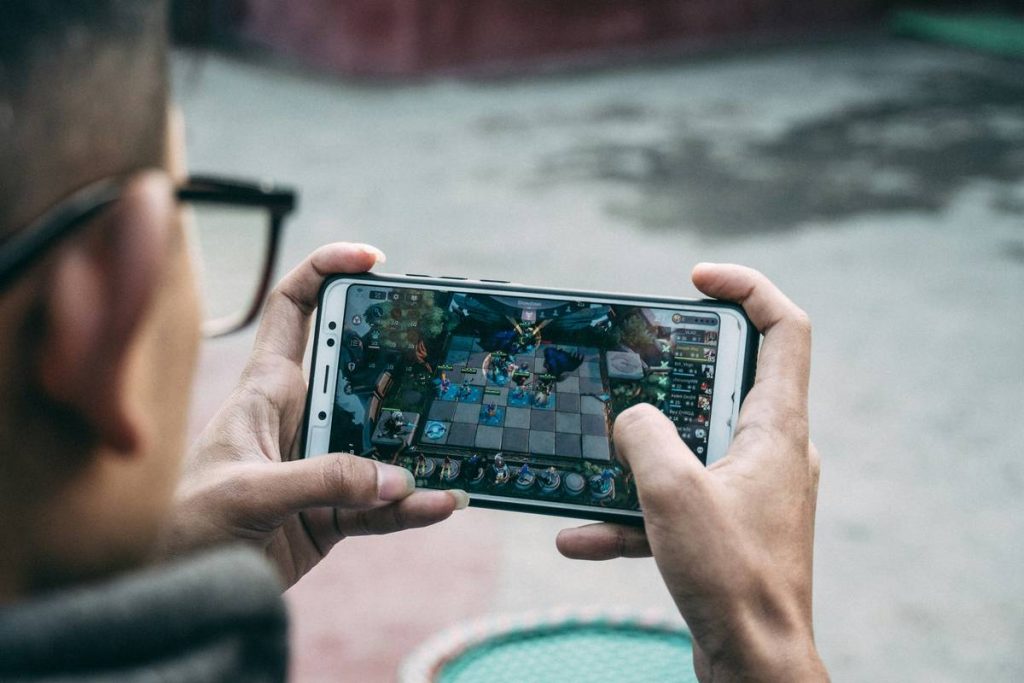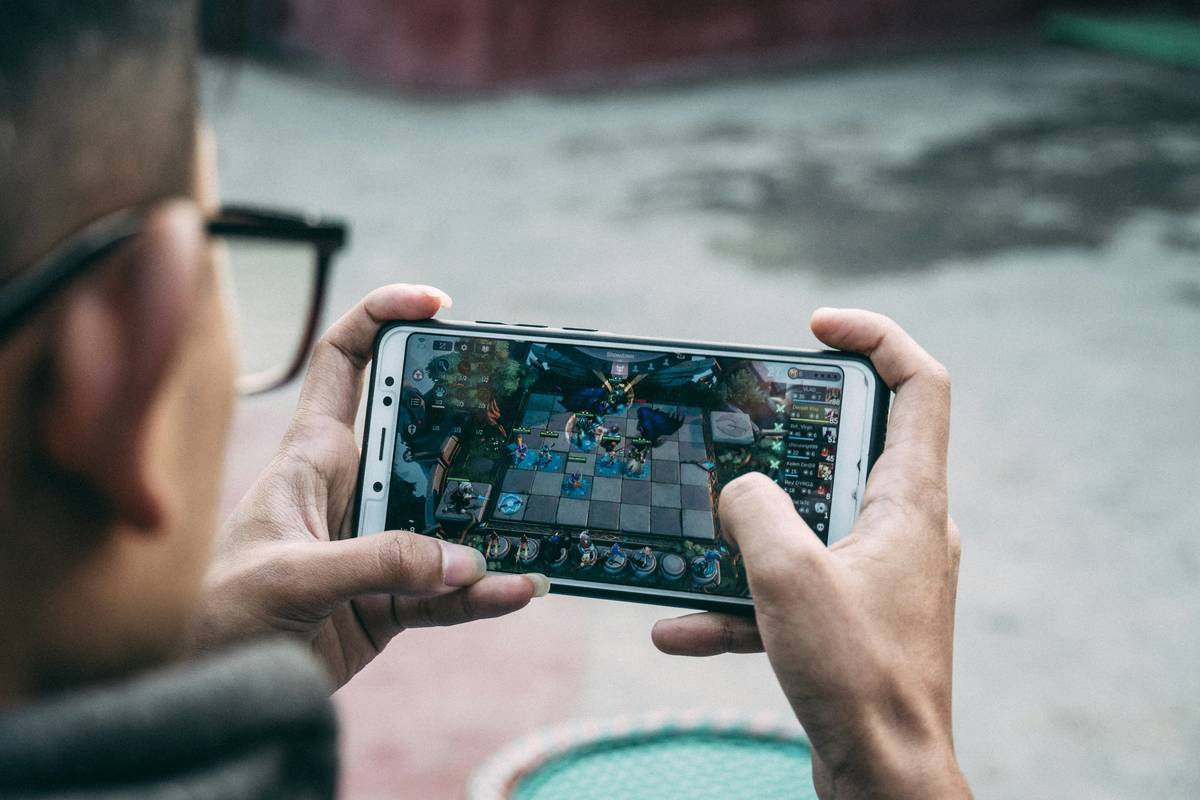
Ever downloaded a “relaxing” mobile game only to be bombarded by ads, aggressive in-app purchases, or battery-draining visuals? You’re not alone. With casual mobile gaming exploding—projected to hit over $109 billion globally by 2027—players need smarter strategies to find genuinely chill experiences. This is where Microsoft’s surprising role in the casual games space becomes essential. In this guide, we’ll break down how Microsoft intersects with casual mobile gaming, why it matters for your daily unwind ritual, and exactly how to sidestep common frustrations that turn relaxation into rage-quitting.
Table of Contents
- Why Microsoft and Casual Games Matter
- Step-by-Step Guide to Better Casual Gaming
- Best Practices for Relaxing Mobile Play
- Real-World Examples and Results
- Frequently Asked Questions
Key Takeaways
- Microsoft quietly influences casual mobile gaming through acquisitions like ZeniMax and Xbox Cloud Gaming integrations.
- Not all “casual” games are truly relaxing—many exploit psychological triggers under the guise of simplicity.
- You can identify high-quality, low-stress games by checking developer transparency, ad policies, and update frequency.
- Using cloud-based platforms like Xbox Game Pass on mobile helps avoid device clutter and data bloat.
Why Microsoft and Casual Games Matter
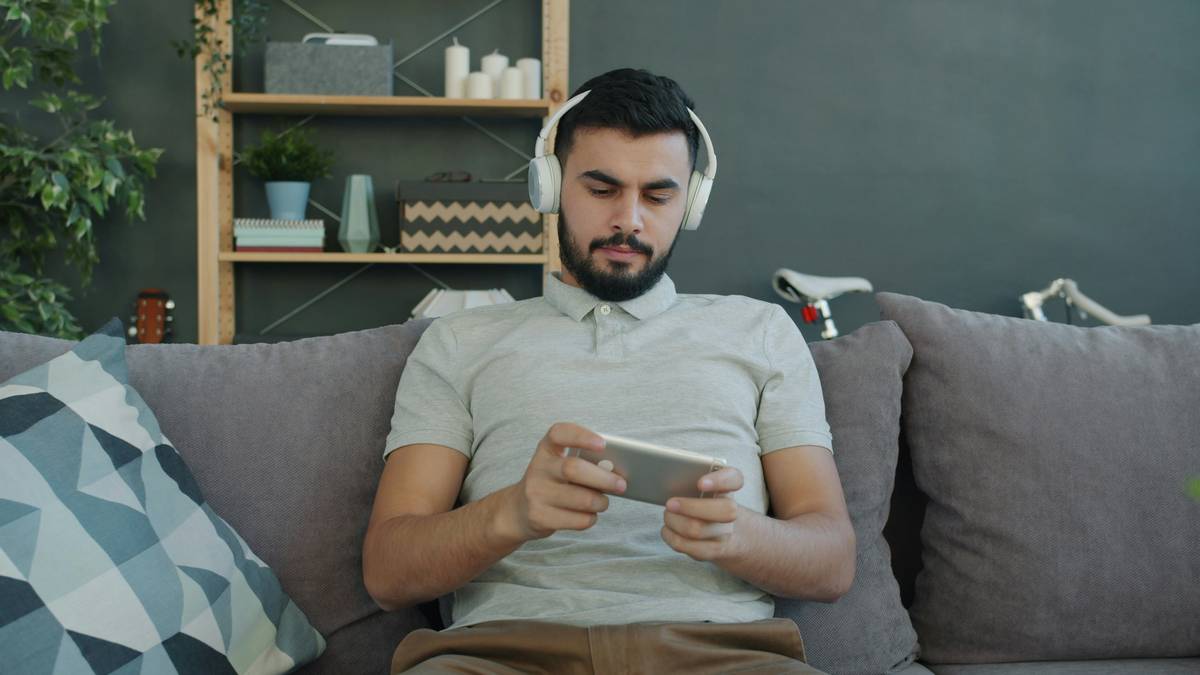
Let’s get real: most people assume Microsoft = Windows + Office + enterprise software. But over the past decade, Microsoft has strategically expanded into gaming—especially casual experiences. Acquiring studios like Bethesda (ZeniMax) and integrating Xbox Cloud Gaming means you can now stream titles like Tetris Effect or Mahjong directly to your phone without downloading massive files. This shift is huge for casual players who want zero-install, low-commitment entertainment.
I learned this the hard way. Last year, I downloaded what looked like a peaceful puzzle game called “Zen Garden.” Within three minutes, I’d been forced to watch five unskippable ads, pressured into a $4.99 “premium unlock,” and my battery dropped 15%. Total scam disguised as serenity. That experience taught me to look beyond app store screenshots—and to pay attention to who’s *behind* the game. Microsoft-backed titles often include clearer monetization models and better performance optimization, precisely because they adhere to Xbox’s quality standards.
Step-by-Step Guide to Better Casual Gaming
1. Identify True Casual vs. “Casual-Washed” Games
Check the developer. If it’s an unknown studio with dozens of nearly identical apps (e.g., “Free Diamond Match 3 Saga Deluxe”), run. Microsoft-owned or partnered developers (like those under Xbox Game Studios) tend to publish fewer, higher-quality titles.
2. Leverage Xbox Cloud Gaming on Mobile
Instead of cluttering your phone with apps, use the Xbox app to stream curated casual games. Visit Xbox Cloud Gaming to see which relaxing titles are available—often included with Game Pass Ultimate.
3. Audit Permission & Data Requests
If a match-3 game asks for access to your contacts or location, it’s a red flag. Genuine casual games rarely need invasive permissions. Always review privacy practices—our own Privacy Policy explains why data minimization matters for user trust.
Best Practices for Relaxing Mobile Play
- Set time limits: Even relaxing games can become compulsive. Use built-in screen time tools.
- Avoid “energy” systems: Games that gate progress behind timers (e.g., “Wait 2 hours to continue”) aren’t casual—they’re manipulative.
- Prefer one-time purchases: A $2.99 upfront cost beats endless microtransactions.
- Update selectively: Disable auto-updates for games. Some “updates” add more ads or remove offline play.
Terrible Tip Alert: “Just play whatever’s trending!” Nope. Trending doesn’t mean relaxing. Viral games often maximize engagement through stress mechanics (limited lives, social pressure), not calm.
Real-World Examples and Results
Consider Solitaire Grand Harvest—a Microsoft-published title available on iOS and Android. Unlike many competitors, it offers full offline play, no mandatory ads, and optional cosmetic purchases. According to player reviews aggregated by Wikipedia, it maintains a 4.7+ rating across stores due to its respectful design.
Compare that to anonymous clones flooding app stores with names like “Solitaire Classic™ Free.” These often inject rewarded videos after every move and hide core features behind paywalls. The difference? Backing from a trusted brand like Microsoft ensures baseline quality control—something our team at I-Way1 prioritizes in all digital recommendations.
Frequently Asked Questions
Does Microsoft develop casual mobile games?
Yes. Through Xbox Game Studios and acquired publishers like Bethesda, Microsoft releases and supports casual titles such as Solitaire Grand Harvest and Mahjong on mobile platforms.
Can I play Microsoft casual games without Xbox Game Pass?
Some titles like Microsoft Solitaire Collection are free to download and play with optional premium upgrades. Others require an Xbox Game Pass Ultimate subscription for cloud streaming.
Are Microsoft casual games truly ad-free?
Most offer minimal, non-intrusive ads—often skippable or limited to rewarded videos you choose to watch. None force ads during core gameplay loops.
How do Microsoft casual games compare to indie alternatives?
Indie games can be excellent, but lack consistent support. Microsoft-backed titles benefit from regular updates, cross-device sync, and transparent privacy practices.
Is Xbox Cloud Gaming good for low-end phones?
Yes! Since processing happens on Microsoft’s servers, even budget devices can run graphically rich casual games smoothly—as long as you have stable internet.
Where can I report a problematic casual game?
Contact the developer first. If unresolved, reach out to us at I-Way1’s Contact page—we track user-reported issues to inform future guides.
Conclusion
Finding genuine relaxation in the chaotic world of mobile gaming shouldn’t feel like defusing a bomb. By focusing on trusted ecosystems like Microsoft’s growing casual portfolio, you protect your peace, your battery, and your wallet. Remember: true casual games respect your time, not extract it. Ready to upgrade your unwind ritual? Contact us—we love hearing which games actually helped you breathe easier.